
GenYouTube APK
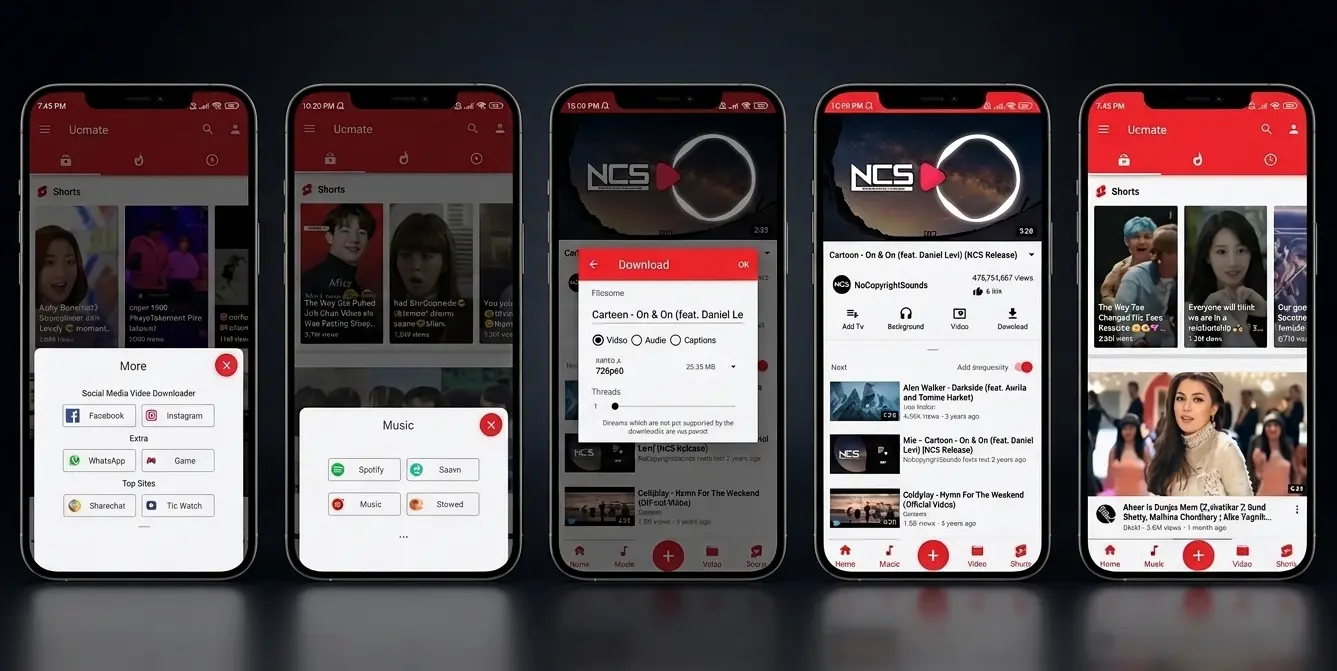
GenYouTube is a handy tool that lets users search, preview, and download YouTube videos or audio directly to their device. It also offers different quality and format options, so there’s no need for a separate youtube downloader, converter, or extra software.
Online Download and Save YouTube HD Video
|
HD Downloads
|
MP3 Extractor
|
Multi Formats
|
Fast Speed
|
Video Preview
|
GenYouTube APK
GenYoutube solves one of the most common frustrations online, wanting to save a video or youtube reels download but having no simple way to do it. It lets users search, preview, and download content directly, without needing extra software, youtube downloader or complicated conversion tools.
Unlike platforms that limit downloads or force you through multiple steps, this one keeps things quick and straightforward from search to save. Additionally, GenYoutube offers multiple quality and format options, so users can choose exactly what fits their device or storage space.
Whether you want a full HD video or just the audio track, both options stay easily accessible with Gen Youtube app. Files save directly to your device, ready to watch anytime, even without an internet connection later. Its simple layout makes searching and downloading feel effortless, even for users who aren’t particularly tech-savvy. For anyone tired of juggling multiple apps just to save a video, this app offers a practical, all-in-one solution worth using.
What Is GenYoutube APK?
GenYoutube is a video search and a YouTube video downloader app that works alongside YouTube, letting users find content and save it directly to their device with this youtube downloader app. Instead of relying on browser extensions or separate converter websites, everything happens within one simple platform. This method works well for anyone who wants quick access to videos without juggling multiple tools just to get a single file.
Additionally, the platform supports various resolutions and formats, giving users control over file size and quality before downloading with GenYoutube. It’s important to always verify you’re using the official website to avoid fake or unsafe copies. Once you search for a video, download options appear instantly, ready to use within seconds.
Why Is GenYouTube Becoming Popular?
More people are downloading videos for offline viewing than ever before, especially with unreliable internet in certain areas or while travelling. This platform taps directly into that need, offering a straightforward way to save content without jumping through unnecessary hoops. Unlike apps or YouTube downloaders that bury download options behind confusing menus, GenYoutube keeps everything visible and accessible right from the search results.
Word of mouth also plays a role, since users often recommend Gen Youtube app to friends once they discover how simple the process actually is. Combined with support for multiple formats and fast processing speeds, this growing popularity makes sense for anyone wanting quick, hassle-free video downloads.
Features of GenYouTube
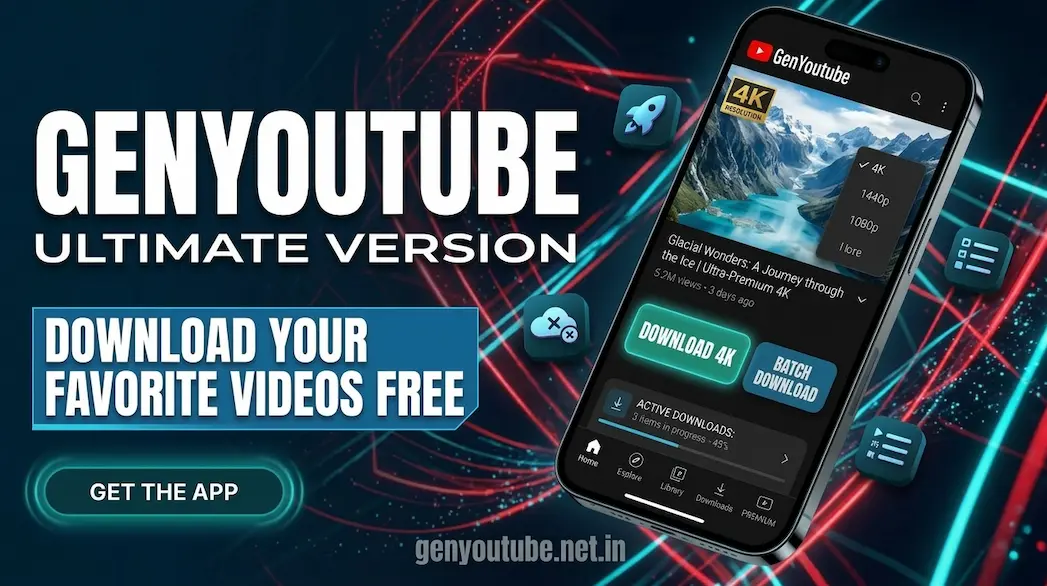
Ultra HD & 4K Video Downloading
Low-quality downloads ruin videos that were originally meant to look sharp and detailed. GenYoutube youtube video downloader app skips that disappointment entirely, offering Youtube song download options that go all the way up to youtube downloader mp4. Fine details, crisp colours, smooth motion, none of that gets lost in the process. Whether saving a tutorial or a favourite music video, quality stays intact exactly how the creator intended with this YouTube video downloader app.
Built-in MP3 Audio Converter
Sometimes you just want the song, not the entire video sitting in your storage. A built-in converter from YouTube to MP3 download solves that through the GenYoutube YT downloader, turning any video into a clean MP3 file within seconds. No separate app needed, no complicated settings to figure out. Just search, convert, and save the audio directly to your device, ready for offline listening whenever you want through GenYoutube.
Custom Quality & Size Selector
Not every download needs to eat up massive storage space. Users get full control over this through GenYoutube, picking resolution and file size based on actual need. A quick video for later? Choose a smaller size. Want maximum clarity for something important? Bump the quality up instead, whatever fits the moment.
Multiple Format Support
GenYoutube doesn’t limit users to just one type of file when downloading content. MP4, MP3, WEBM, and other formats all sit available within the same simple search, letting people pick whatever suits their device or purpose. A quick audio file for listening on the go, or a video format compatible with older devices, both remain just a few taps away through the GenYoutube youtube download app.
Fast & Multi-Threaded Download Speed
Waiting forever for one video to finish downloading gets old fast, especially when you’ve got a long watchlist. Multi-threaded technology speeds things up considerably through GenYoutube, splitting files into smaller chunks that download simultaneously instead of one slow stream. Large videos or youtube reels download that used to take ages now finish in a fraction of the time, letting you get back to actually watching instead of staring at a progress bar.
Direct Browser Extension Trick
A handy little trick lets users skip the extra steps entirely while watching on YouTube itself. Simply adding “gen” before the URL redirects straight to download options through GenYoutube, no copying links or switching between tabs required. This small shortcut saves real time, turning a multi-step process into something that takes just seconds. Once you try it through GenYoutube free youtube video downloader app, going back to the usual copy-paste routine feels unnecessarily slow.
Batch Download Capabilities
Downloading an entire playlist one video at a time wastes time nobody has to spare. Multiple videos can be queued and saved together through GenYoutube youtube downloader apk, letting downloads run back-to-back without constant manual clicking. Whether you want a YouTube song download, grabbing or a music playlist, the whole batch finishes without needing to babysit each individual download.
In-App Media Player
GenYoutube doesn’t require a separate app just to watch downloaded videos back. A built-in player handles playback directly, letting users preview or rewatch content without hunting through phone storage first. Pausing midway, adjusting volume, scrubbing through scenes, all of that works smoothly within the same space, keeping everything connected from search to playback in one place.
Integrated Search & Auto-Suggest Bar
Typing out a full video title every single time gets tedious fast. GenYoutube makes this easier with a smart search bar that suggests matches as you type, narrowing results before you even finish a sentence. Whether searching for a specific song or a trending video, Gen You Youtube pulls up relevant suggestions instantly, cutting down the time spent scrolling through unrelated results.
Ad-Free User Interface
Random pop-ups interrupting a quick video search get old fast, especially when you just want to grab a download and move on. The layout stays clean on GenYoutube, letting users search and save content without constant ad interruptions getting in the way. Simple design, faster process, less frustration overall.
Private Storage & Folder Locking
Some downloaded content deserves a bit more privacy than sitting openly in a regular gallery folder. GenYoutube offers locked storage specifically for this, keeping certain files hidden behind an additional password layer. Even if someone else picks up your phone, those protected downloads stay out of reach without proper verification. That extra security through Gen Youtube premium mod APK gives users real control over who sees what on their device.
No Registration Required
Creating an account often feels like a chore. Here, you skip it completely. Open GenYoutube, paste a link or type a title, and pick a format. No email, no password, no waiting for a verification code. Your privacy stays with you, and your first download starts within a few moments.
Auto-Retry on Connection Drop
Weak signals ruin many downloads. GenYoutube app fights back with a built-in retry system. When your connection drops, it pauses the file and tries again on its own. Your progress stays saved, so nothing starts from zero. Walk away from the screen, because Gen Youtube download finishes the job once the network returns.
Cross-Platform Link Compatibility
Links come from many places, and this tool reads most of them. Copy a URL from a browser, a chat, or a social post. GenYoutube Youtube Downloader recognizes it and loads the video details at once. You can paste links from a phone, tablet, or laptop. Everything works the same on each screen.
Low Data Saver Mode
GenYoutube helps you save on mobile data. Choose a lighter option before you start, and the file shrinks right away. Monthly packs last longer that way. Students and travelers on tight budgets will notice the difference. Try Gen You Youtube on one small clip first, then adjust the setting to suit you.
How to Download GenYoutube APK
Getting the GenYoutube download on your Android phone takes only a few minutes. Allow your phone to accept files from outside the Play Store. Find the official website and save the APK file. Then, open the file and let the setup run. Once the process ends, GenYoutube App download is ready to use on your device. Moreover, you do not need a computer or any extra tool. However, always avoid unknown websites, because fake copies can harm your phone. Also, keep some free space and a steady connection ready. Finally, follow the steps below to finish the setup without any trouble.
Installation Guide
- Open your phone’s Settings and go to the Security or Privacy section.
- Turn on the “Install from Unknown Sources” option for your browser.
- Visit the official website using your phone’s browser.
- Tap the Download APK button and wait for the file to finish saving.
- Open the file from your notifications bar or the Downloads folder.
- Tap Install and wait a few seconds until the setup completes.
- Open the app, then search for a video or paste its link.
- Choose your format and quality, and tap Download.
- Turn off the unknown sources permission once the installation is done.
How to Use GenYoutube
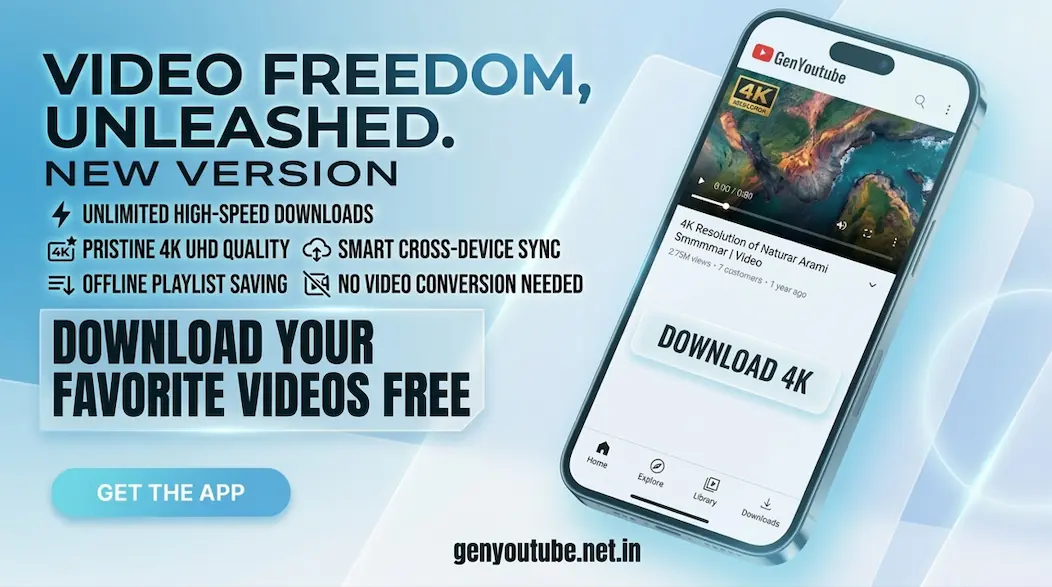
Saving a video takes only a few minutes with GenYoutube app download a youtube video downloader app, even if you have never used a downloader before. Each step needs just a tap or two. It works on phones and tablets, and no technical skills are needed. Once you learn the flow, GenYoutube a free youtube video downloader app becomes a quick habit for youtube downloader online.
Open GenYoutube and Find Your Desired Video
Start by launching the app or opening the official website in your browser. GenYoutube download video youtube mp4 that loads quickly and shows a clean search bar at the top. You do not need to sign in first. Keep your internet connection steady, because a weak signal can slow the page and delay your search results.
Search for a Video or Paste Its Link
Next, find your clip in one of two ways. GenYoutube shows matching results as you type, so the right video appears fast.
- Type a few keywords of the title in the search bar.
- Or paste the full link and tap Search.
- Tap the video you want and check the preview.
Choose the Quality and Download Format
After selecting a video, pick the quality and format you need. GenYoutube lists several options, so you can balance clarity and file size. Choose MP4 for video or MP3 for audio. Higher quality looks sharper but uses more storage, so think about your free space before you decide. Review your choice once more before moving on.
Start the Download and Access Your Saved File
Finally, tap the Download button and let the file save. GenYoutube shows the progress, and the video lands on your device within moments.
- Open your Downloads folder or gallery.
- Tap the file to play it, even offline.
- Rename or move it if you like.
- Delete old files to free up space.
GenYoutube APK Alternative
Snaptube
Fans of GenYoutube app who want more variety can try this app. It saves clips from many social sites, not just one. You browse inside the app and pick a resolution. Ads appear on the free version, but the tool stays light. It runs on Android.
VidMate
This pick doubles as a movie and TV hub. Users stream shows, grab music, and watch live channels in one place. Compared with GenYoutube, it offers more entertainment but a busier screen. Transfers move briskly, and a built-in manager sorts all your finished items neatly.
TubeMate
This long-running app has a loyal fan base. Its layout is plain, so beginners learn it in minutes. Updates arrive often and fix bugs. Users can set speed limits and schedule saves for later. People who find GenYoutube too basic may like these extra controls.
NewPipe
Developers share the code of this app openly, so anyone can inspect it. Unlike GenYoutube, it needs no Google services. Playback continues with the screen off. It carries no tracking and costs nothing. Download it through F-Droid, then enjoy a very smooth and simple experience.
| Feature | GenYoutube | Snaptube | VidMate | TubeMate | NewPipe |
| No registration needed | ✅ | ✅ | ✅ | ✅ | ✅ |
| Up to 4K downloads | ✅ | ✅ | ❌ | ❌ | ✅ |
| Built-in MP3 converter | ✅ | ✅ | ✅ | ❌ | ❌ |
| Batch download | ✅ | ✅ | ❌ | ❌ | ❌ |
| Auto-retry on connection drop | ✅ | ❌ | ❌ | ❌ | ❌ |
| Low data saver mode | ✅ | ❌ | ❌ | ❌ | ❌ |
Pros and Cons
Pros
- No Registration Needed: You can start downloading without creating an account or sharing an email.
- Ultra HD and 4K Options: Quality choices go up to 4K, so videos stay sharp.
- Built-in MP3 Converter: You can turn any video into an audio file within seconds.
- Custom Quality and Size: You pick the resolution and file size that fit your storage.
- Multiple Formats: MP4, MP3, WEBM, and other formats suit different devices.
- Fast Multi-Threaded Speed: Files download in chunks, so large videos finish sooner.
- Batch Downloads: You can queue several videos or a full playlist together.
- Auto-Retry System: Downloads resume on their own after a connection drop.
- Low Data Saver Mode: Lighter options help your mobile data last longer.
- Simple Search and Auto-Suggest: Matching titles appear as you type, so finding clips is quick.
Cons
- Terms of Service Risk: Downloading from YouTube can break its rules, so use it only where allowed.
- Fake Copies Online: Unofficial websites may offer unsafe versions, so use only the official source.
- APK Installation Needed: Android users must enable unknown sources, which carries some risk if done carelessly.
- Internet Required for Search: You need a connection to search and start a download.
- Quality Depends on the Source: A video cannot be saved in 4K if the original upload is lower.
- Storage Use: High-quality and batch downloads can fill your phone quickly.
Conclusion
GenYoutube Youtube app offers a simple way to youtube video download and audio on your phone. It needs no account, so you can start right away. Moreover, you choose the quality, size, and format that fit your device. The built-in converter and fast speeds add real convenience.
However, downloading from YouTube may break its rules, so use it only where allowed. Also, get this youtube video downloader app from the official website to stay safe. Overall, the yt video downloader suits anyone who wants quick offline viewing. Finally, compare a few alternatives before you decide, and pick the one that fits your needs or youtube video download. Gen Youtube APK works best when you use it wisely a free youtube video downloader app.